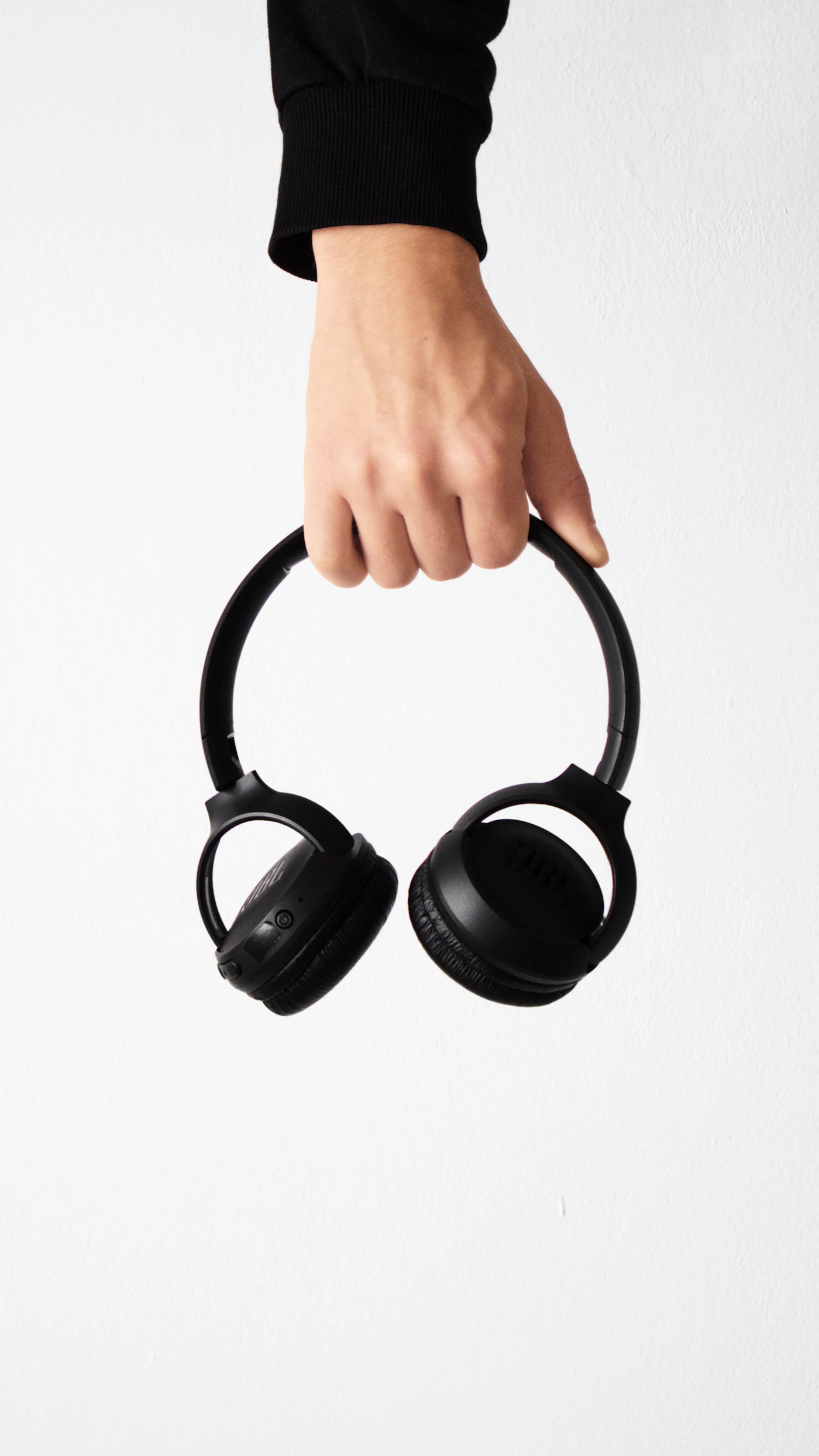

The meeting starts in two minutes. Your laptop is on the dining table, a delivery is expected, and the headphones that worked perfectly for music yesterday now appear twice in the audio menu. This is a common buying mistake: choosing for listening and discovering the call workflow afterward. For regular meetings, the connection and microphone arrangement should lead the shortlist.
If you spend much of the day speaking, consider a purpose-built headset before a music headphone. If meetings are occasional and you already own comfortable headphones, check whether they work reliably with your computer before buying more equipment. Our recommendations are based on published features and practical setup considerations; we have not recorded comparative microphone tests.
Start with the working environment
A headset cannot turn every room into a private office. Move away from a running appliance when possible, choose a consistent chair position, and keep the microphone path clear. These small changes can be more useful than buying another device and using it in the same awkward setting.
Write down your three essential call behaviors. Perhaps you need to join without pairing, mute with a visible button, and switch to a phone between meetings. Someone who presents slides all morning will have a different list from someone who joins one weekly catch-up.
| Daily requirement | What to investigate | A useful home check |
|---|---|---|
| Clear outgoing voice | Microphone location and app processing | Record a normal speaking sample |
| Predictable joining | USB adapter or direct Bluetooth | Restart the laptop and rejoin |
| Confident muting | Headset control and app status | Confirm what the other participant hears |
| Laptop and phone use | Multipoint behavior | Play laptop audio, then place a phone call |
| Long seated sessions | Pads, headband, and glasses fit | Wear it during ordinary desk work |
| Employer requirements | Approved devices and software | Check your workplace purchasing policy |
Compare three sensible arrangements
Jabra’s Evolve2 65 Flex is a professional Bluetooth headset with a folding design, ANC, and a fold-away microphone boom. Its published bundles include a Bluetooth USB adapter, although connector and platform variants require careful SKU selection. That makes it relevant when calls are the main job and you want a matched headset-and-adapter arrangement.
A music-oriented wireless headphone such as the Sony WH-1000XM6 is worth considering if you already want an over-ear listening pair. Before making it your meeting device, verify the microphone, mute control, and audio behavior with the exact computer and application. A feature list cannot establish how that combination will behave on your desk.
A wired listening headphone plus an existing laptop or separate USB microphone is another option. Audio-Technica’s ATH-M50x includes detachable audio cables, but the standard included cables do not supply a microphone. This arrangement makes sense only if the chosen microphone captures your voice well from your seated position. It is not a single-device headset replacement.
The adapter is part of the purchase
Look closely at the product variant before adding it to your cart. USB-A and USB-C are physical connector choices; application-specific versions may add different controls or certification. A retail image can show a charging stand that belongs only to a particular bundle. Check the contents list rather than assuming every photographed accessory is included.
An employer-managed laptop can introduce additional constraints. Ask the internal equipment team which connection methods and software updates are supported. A headset’s advertised compatibility is helpful information, but it does not override a company’s device policy or guarantee every function through every connection path.
Test mute deliberately
One of the most important checks costs nothing. Join a private call with another person and try the headset mute control while watching the application’s indicator. Speak briefly, then confirm whether they heard you. Repeat after switching devices and after reconnecting the adapter.
Do not infer mute status from a light you have not understood. Some controls operate locally, some communicate with particular applications, and behavior can depend on the connection. Learn the version you are buying. The goal is a repeatable action that you can perform confidently while presenting, typing, or moving a window.
Build a short return-window routine
Use the headset for the kinds of tasks that normally fill your workday. Keep notes on friction rather than attempting to assign invented scores:
- Join from a freshly restarted computer.
- Read a paragraph into the normal meeting app and listen to the recording.
- Check voice pickup with your usual keyboard use.
- Mute, unmute, and change the selected speaker and microphone.
- Switch to the phone, then return to the laptop meeting setup.
- Fold and pack the headset with its adapter after the session.
If the same issue appears repeatedly, consult the manufacturer’s help page or change the setup while the return period is still open. Avoid buying a second adapter at random; it needs to be supported by the headset and the intended computer workflow.
Buying questions
Does noise cancellation prove microphone quality? No. Listener cancellation and outgoing voice processing address different parts of the call. Evaluate the microphone feed separately.
Should everyone buy a business headset? No. Frequent presenters and call-heavy workers have a clearer reason than occasional participants whose existing equipment already works.
Read multipoint versus device switching if you use a phone alongside the laptop, and wired versus wireless desktop headphones if charging is your main frustration.
Sources
Checked October 4, 2026: Jabra Evolve2 65 Flex, Jabra connection limits, and Audio-Technica ATH-M50x.
EXPLORE THE OPTIONS
Products worth a closer look
Compare the current specifications, local availability, and returns policy before deciding.
Sony WH-1000XM6
Best fit: Commuters who prefer over-ear headphones; A phone and laptop listening setup.
Why consider it: Wired listening offers another connection option; Multipoint supports two-device workflows.
The tradeoff: Over-ear storage takes more space than an earbud case; Fit with glasses requires an individual check.
Jabra Evolve2 65 Flex
Best fit: Laptop meetings; Hybrid workers comparing a purpose-built headset.
Why consider it: A boom microphone provides a dedicated voice input arrangement; A matched adapter can simplify the laptop connection.
The tradeoff: USB connector and platform variant must be checked before purchase; On-ear comfort is personal.
Audio-Technica ATH-M50x
Best fit: Wired listening at a desk; A headphone setup without battery charging.
Why consider it: No headphone battery to charge; Cable can be removed for storage or replacement.
The tradeoff: Standard included cables do not supply a microphone; Replacement cable must fit the headphone connection.
Sources & editorial notes
Manufacturer information checked on October 4, 2026. Features can vary by model and country. Confirm the exact version before purchasing. Lifestyle photos illustrate the setting; they do not document product testing.
- jabra.com — reference information
- jabra.com — reference information
- audio-technica.com — reference information